
Stories
Short situations readers run into after trials, games, and VPNs. Uninstall lists do not always tell the whole story.
Names and versions are anonymized, but the failure modes are real: scheduled tasks that outlive the uninstaller, helper services with generic titles, and Store apps that reinstall from the cloud the moment you sign back in. Treat each story as a pattern match, not a script you must copy verbatim.
Patterns we see often
- · Trial antivirus leaving drivers and self-defense services enabled
- · Game clients caching redistributables under hidden folders
- · VPNs registering filters that survive the primary uninstall
- · Productivity suites adding Explorer shell extensions
- · Meeting apps leaving multi-gigabyte caches under AppData
- · Optional Windows features (WSL, VMs) conflicting after a partial feature uninstall
- · Student laptops with one Windows account but many trial installers from campus software portals
- · OEM update utilities that reinstall after every feature update
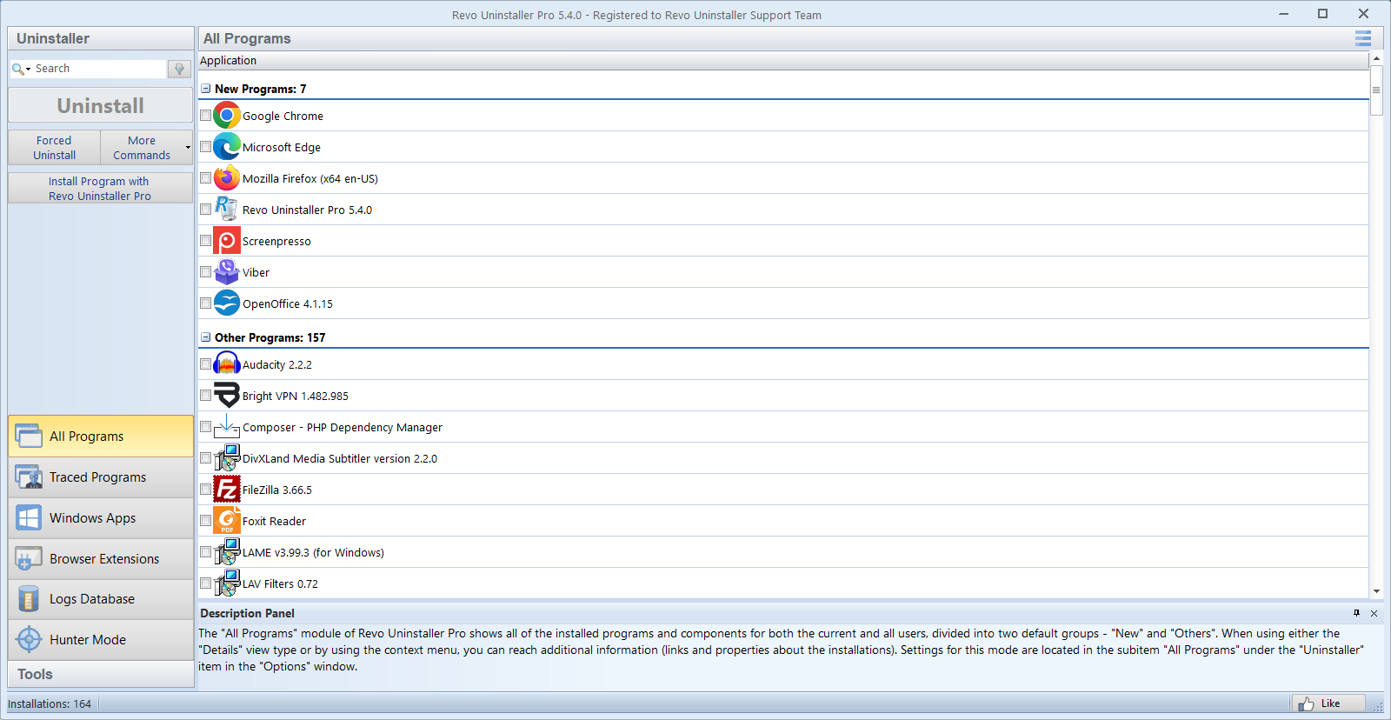
“The antivirus trial expired and Add/Remove said it was gone, but two services still started at boot. A leftover scan surfaced the vendor folder under ProgramData and a scheduled task with a cryptic name.”
“A game launcher left 40 GB under a cache path the normal uninstall skipped. Hunter mode on the tray icon jumped straight to the right entry so I did not hunt through three publisher names.”
“Corporate VPN client conflicted with Wi‑Fi drivers. Uninstall from Settings failed with a generic error; forced uninstall plus a careful registry backup let me reinstall the vendor’s lightweight agent.”
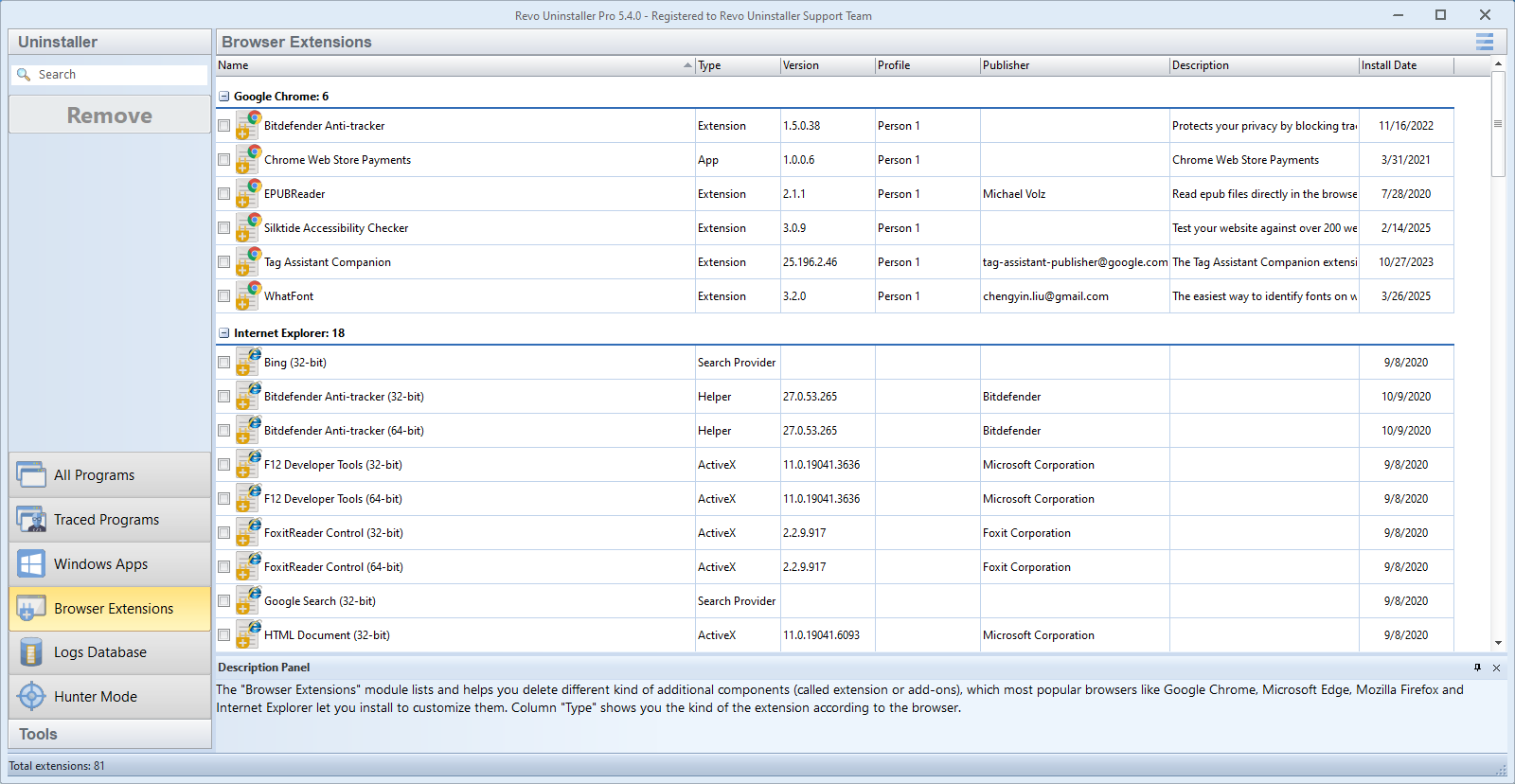
“Creative cloud updater kept nagging after I removed the main suite. The extension list showed two helper plug-ins still registered for Explorer, and disabling them stopped the background download.”
“Office click-to-run reported repair failed. I traced the stuck process with Hunter, killed the scheduled repair task, then used forced uninstall so the new build could lay down fresh binaries.”
“A ‘free PC cleaner’ bundle installed three background updaters. Settings only showed one name; leftover scan found the other two under different publisher strings in Program Files (x86).”
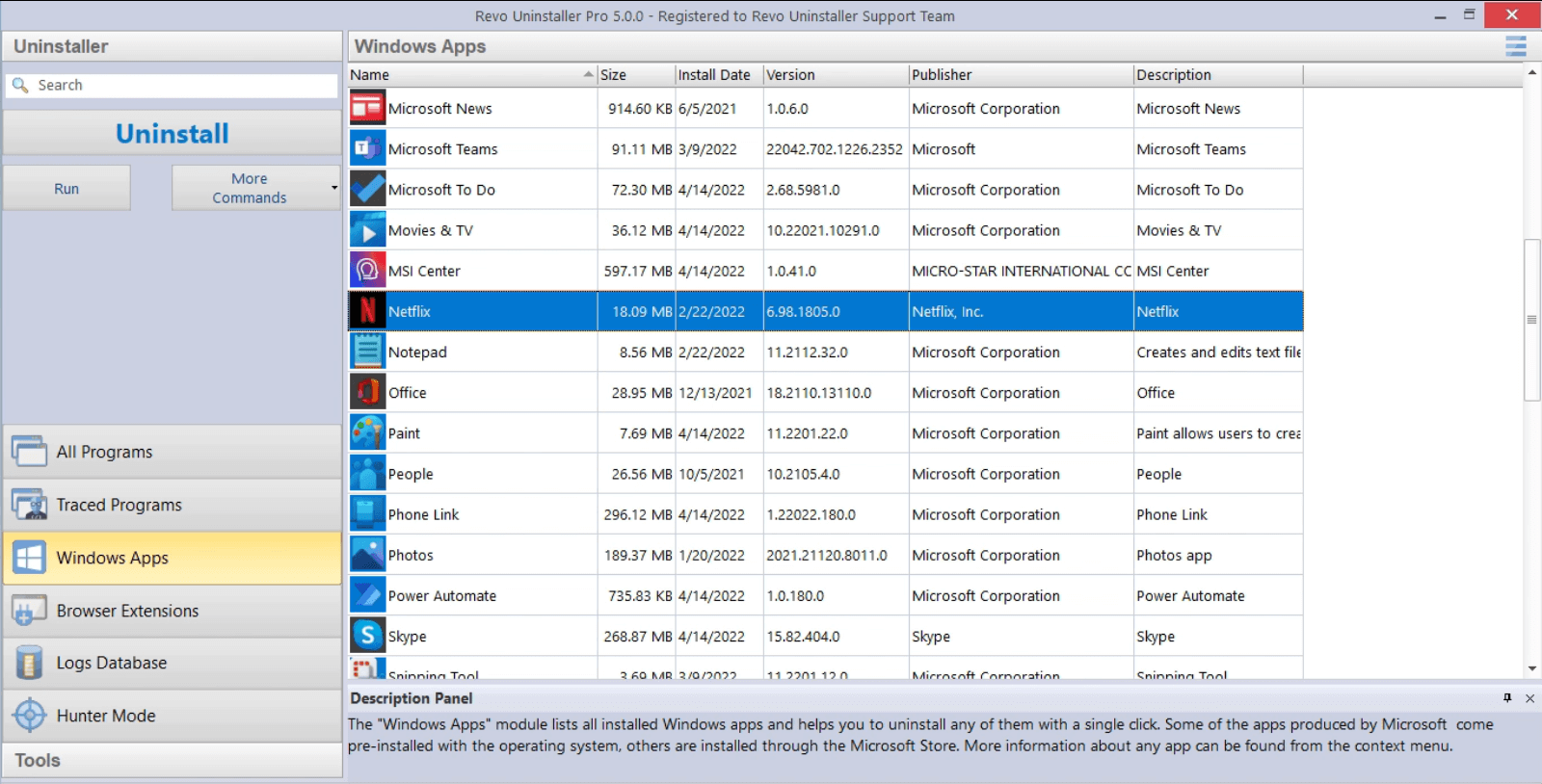
“Remote desktop into a client PC and the uninstall button was grayed out. Logging in with an admin session locally, then removing the Store add-on first, finally let the Win32 suite exit cleanly.”
“My roommate’s game client lived under his profile, but the launcher registered a machine-wide service. I almost deleted his saves until I switched users and confirmed which folders were his.”
Turn a story into a checklist
These anecdotes line up with longer posts. Pick the pattern that sounds like your machine, then read the matching article before you delete anything.
- Hunter mode · tray icons and mismatched names
- Ghost installs · “already installed” with no UI
- Disk space · caches and ProgramData
- MSI rollback · error 1722 style failures
- Store apps · cloud reinstall loops
- Services · drivers that survive uninstall
- Leftover scan · reading results line by line
- Multi-user · another profile still owns the app
- Optional features · Windows caps and WSL debris
- Remote sessions · RDP and elevation quirks
- Shared and family PCs · consent, accounts, saves
For step-by-step workflows, see the blogs, the features tour, and FAQ guardrails. Media helps when you prefer to watch first.